


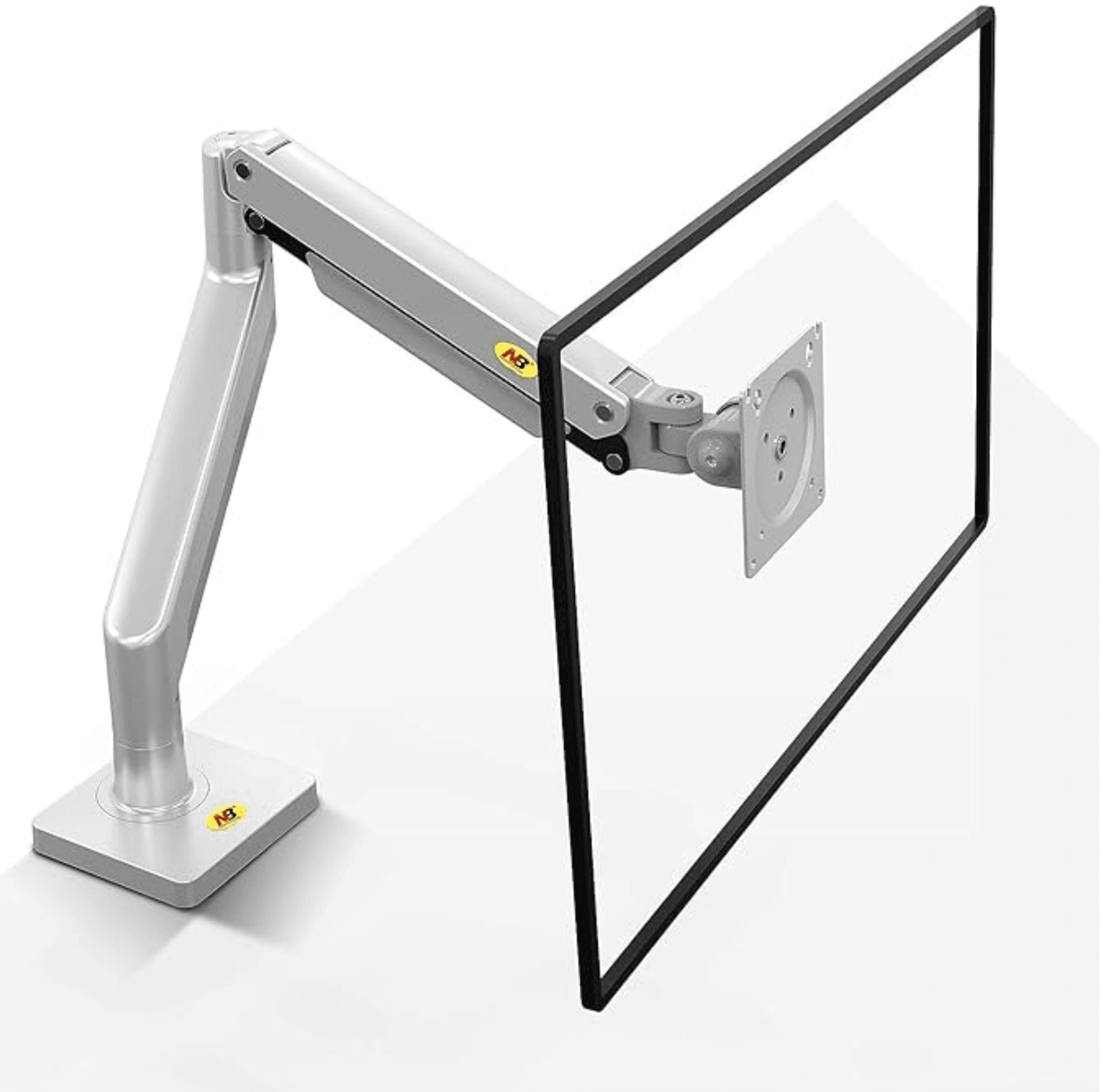
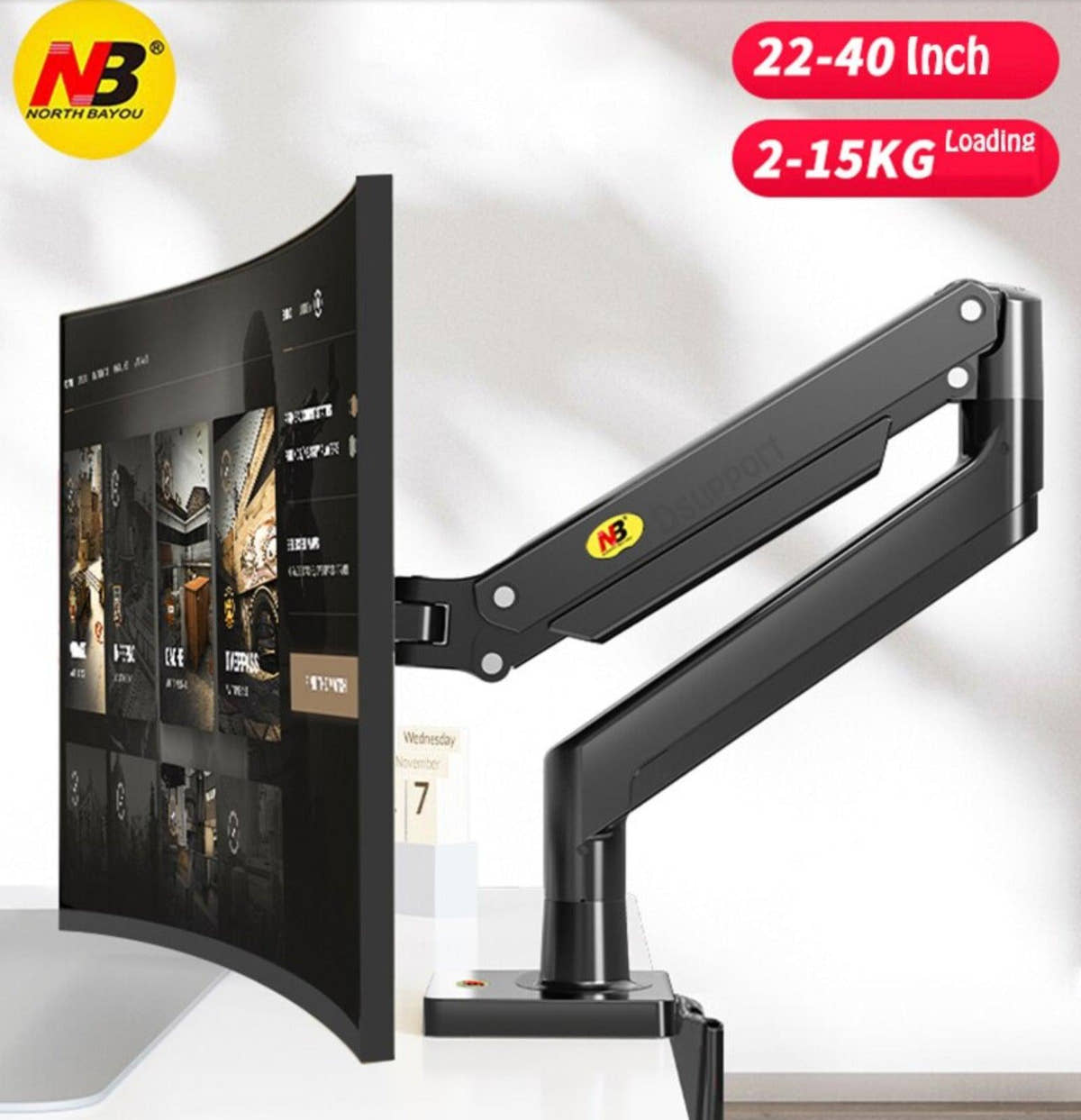
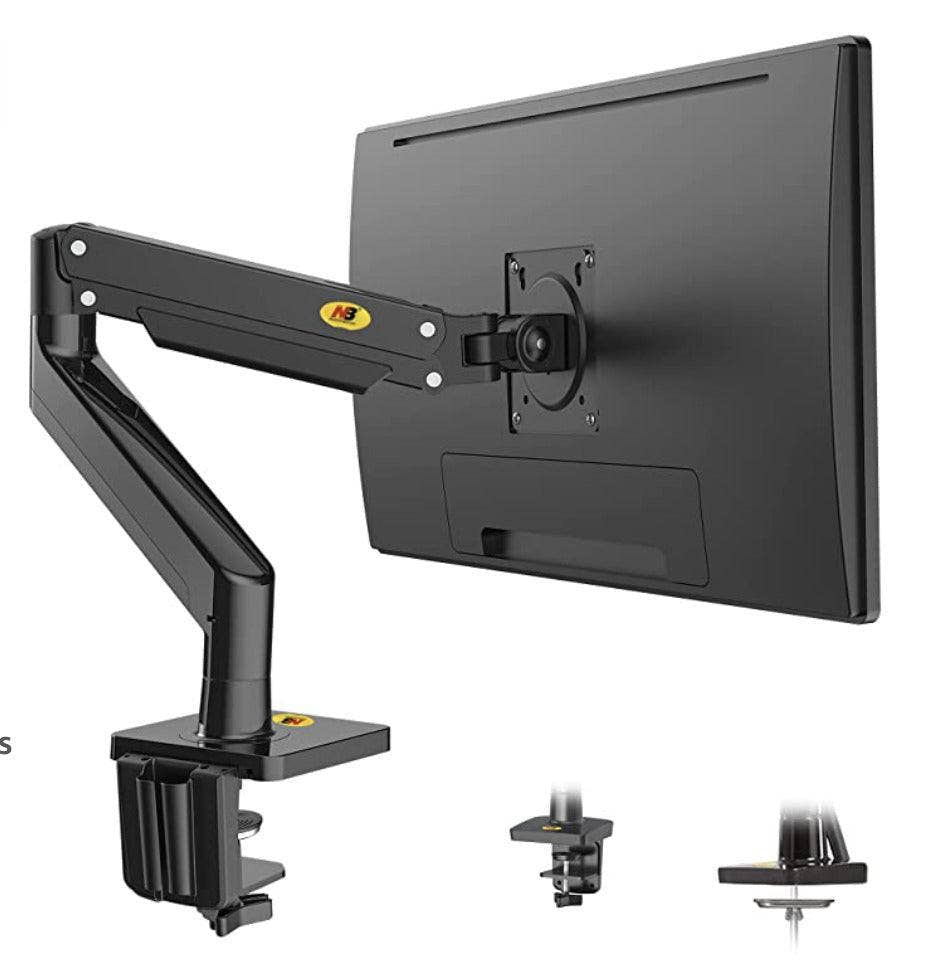
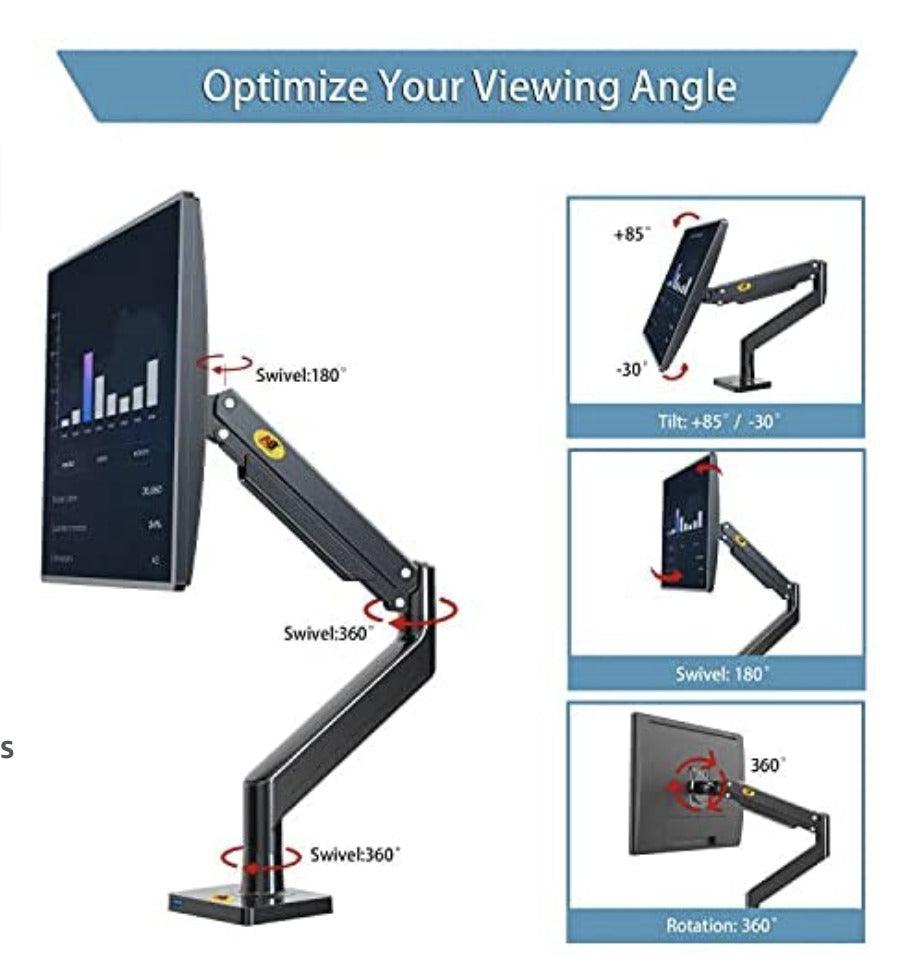

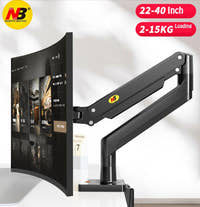
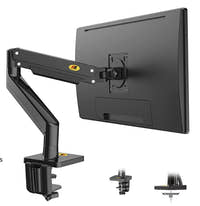
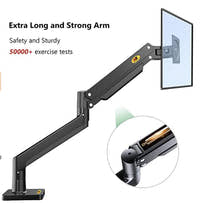
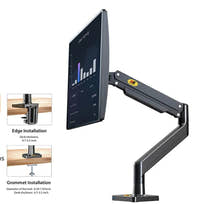
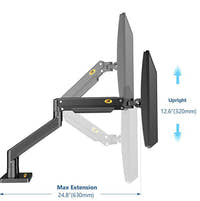
NB G40 Monitor Mount
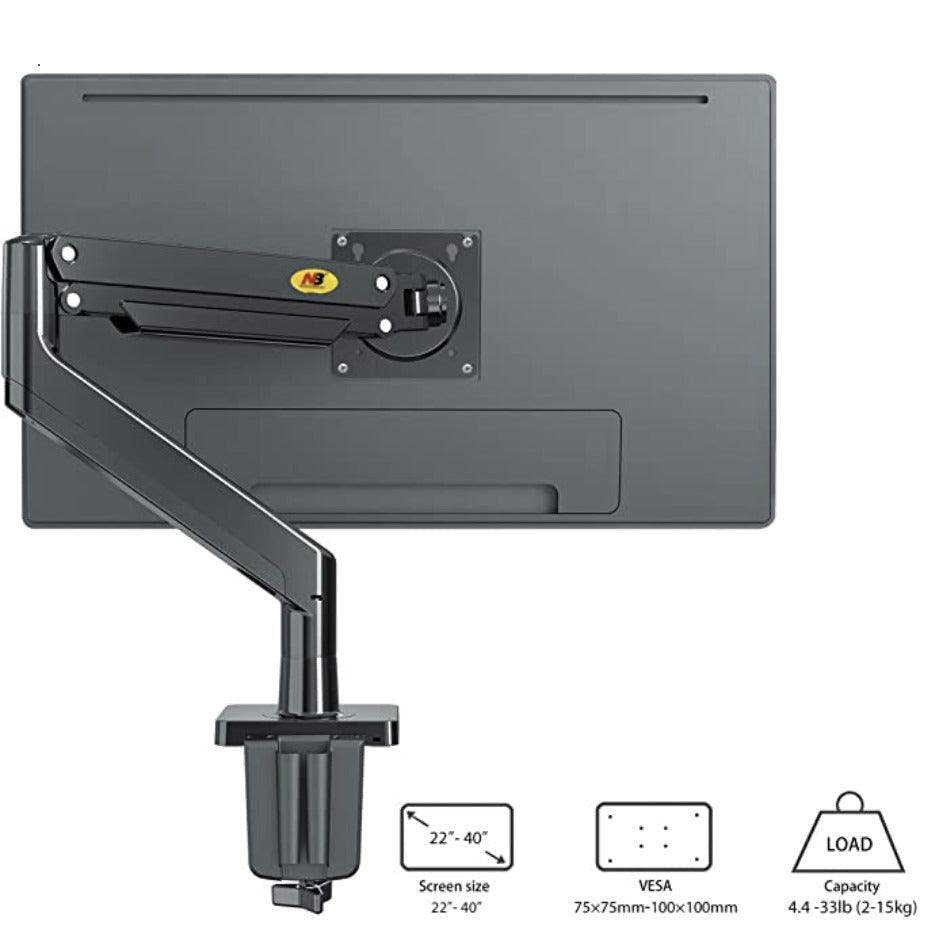
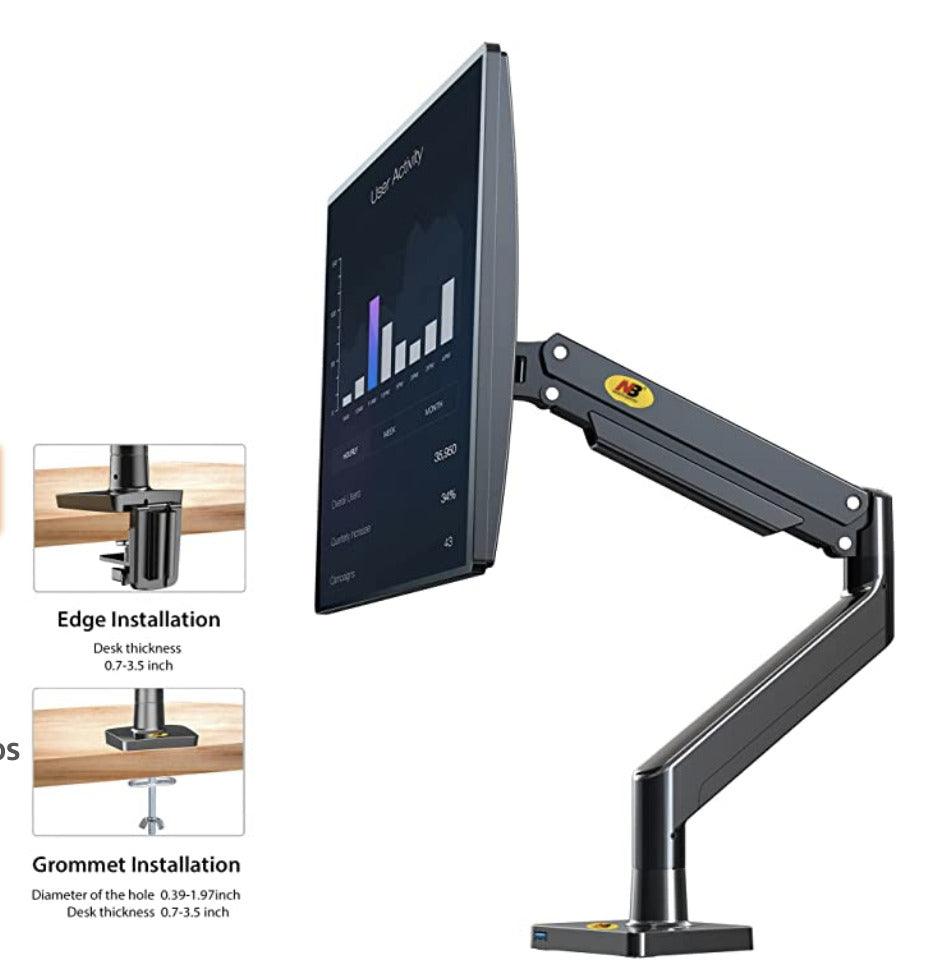
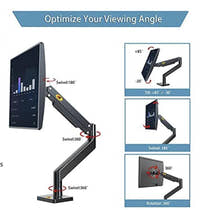
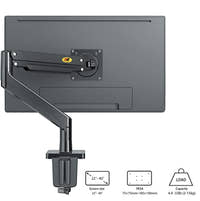
What can I say except I love it?I've always hated monitor feet, for one thing they're ugly and for another they take up so much space that my mouse was always in the monitor feet, I couldn't stand it anymore.So I finally decided to buy this monitor arm, and wow let me tell you, it was the best choice I could have made!I finally have some space on my desk, which means I can finally play properly, and on top of that, the setup is twice as nice!The arm is extremely versatile it supports vesa mount 75x75 and 100x100, a load of 2 and 12kg, the bottom can be attached either with a hole or a clamp and it's extremely adjustable, so it supports 99% of the screens on the market!Then, it uses a gas spring, which allows it to support everything correctly!Adjustment is really quick and easy, you just need to adjust a few screws with the wrench included!+PROS-USB Port-Feel Sturdy-Nicely Made-Frees up so much space-CONS-The wire cover is very cheap and doesn't hold well.I'd recommend this monitor arm to anyone who's tired of running out of space like me, or who needs more freedom/adjustment because their current monitor stand doesn't offer that kind of freedom!:)
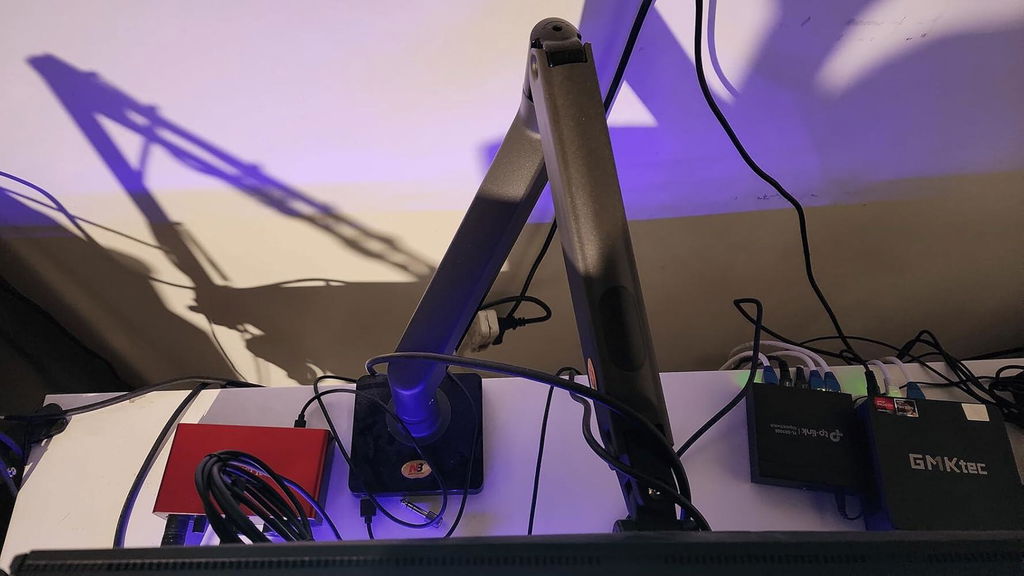
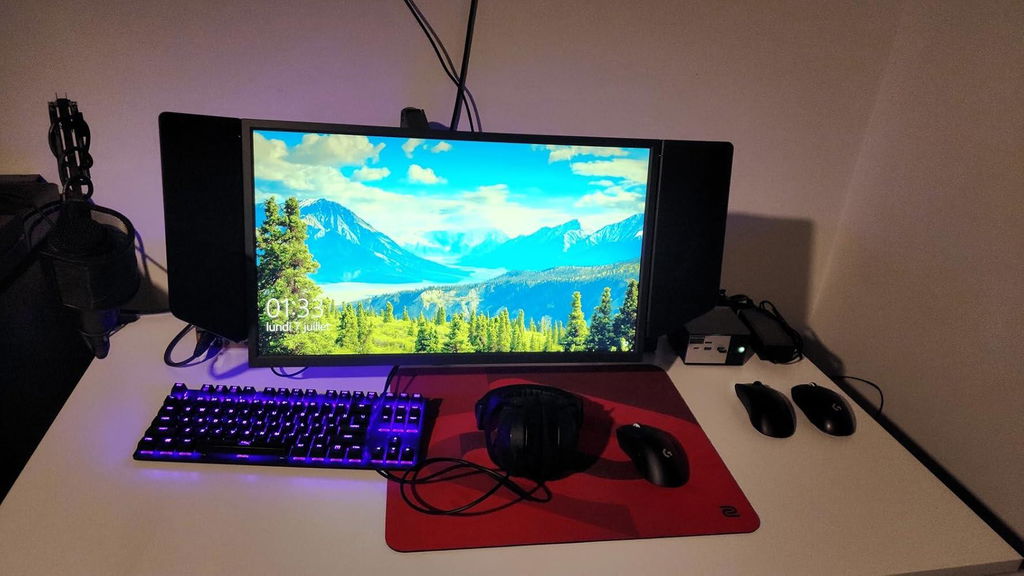
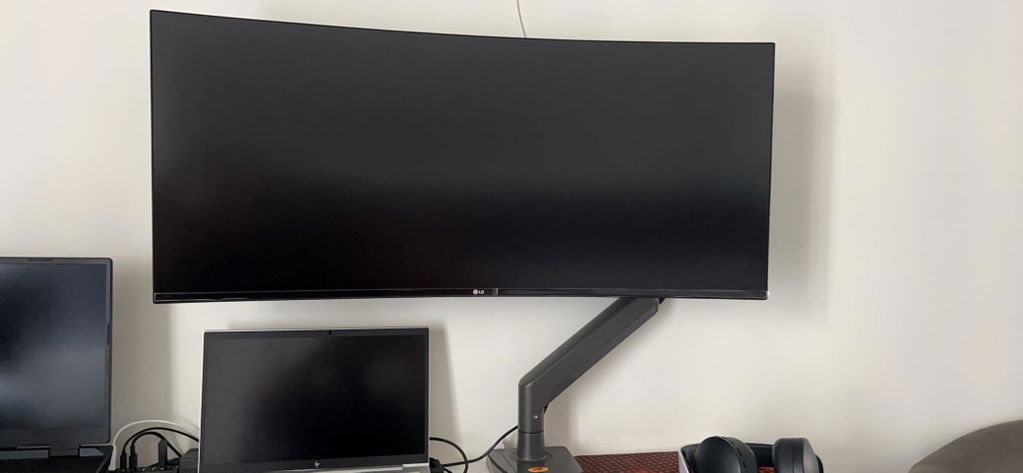
This monitor arm is exactly as advertised. Easy to assemble and install. Heavy duty built with enough pressure to mount big ultrawide screens. I�m using it for my LG 34 inch Ultrawide that weighs around 13 Lbs. Very sturdy, no wobble, and tidy wire running casing. I would recommend anytime over those $100+ monitor arms.
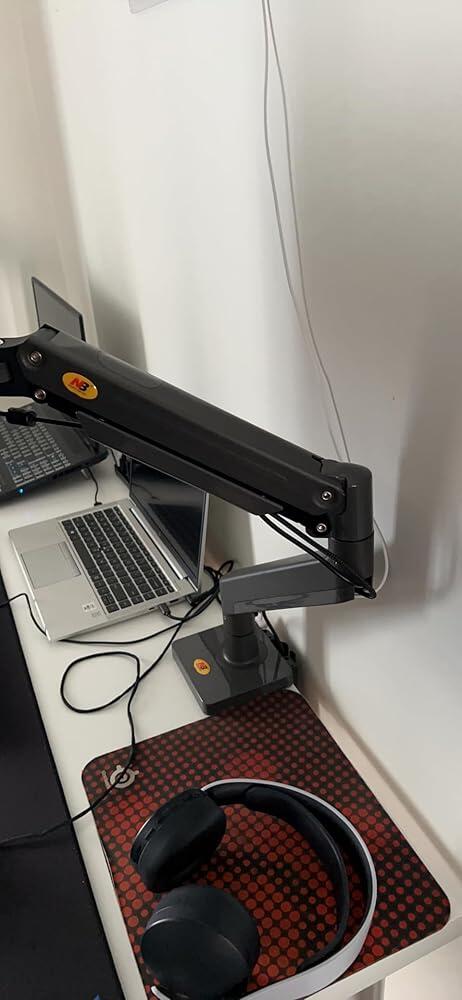
I set up a CNC router in my garage and needed a computer set up out there to run it. I had an old (and Chonky) all in one PC laying around but not the space for it so I got this arm to mount it to the workbench. It worked great and is so easy to move around and keep all the space free on my bench. I was impressed at how stable it was held it was despite the weight and the cable management was perfect. Although not necessary for my usage the usb port is handy (really just a usb extension but cleaner) I should also note that it�s held strong even in the summer heat and winter cold out in a garage.I recently upgraded from dual monitors to an ultrawide for my gaming rig and bought another one of these. I previously had a rigid arm mount which suuuucked to mount because it was all one piece. So you had to mount, was almost pointless trying to move ir. Everything about it sucked and it was the same coat as this (albeit many many years ago).This thing goes together so quickly and easily and the face that you can thread in two screws to the monitor and hang it in place while you put in the other two screws is a much better workflow. I can�t fathom what functional difference there is between this and some of the $150 arms.
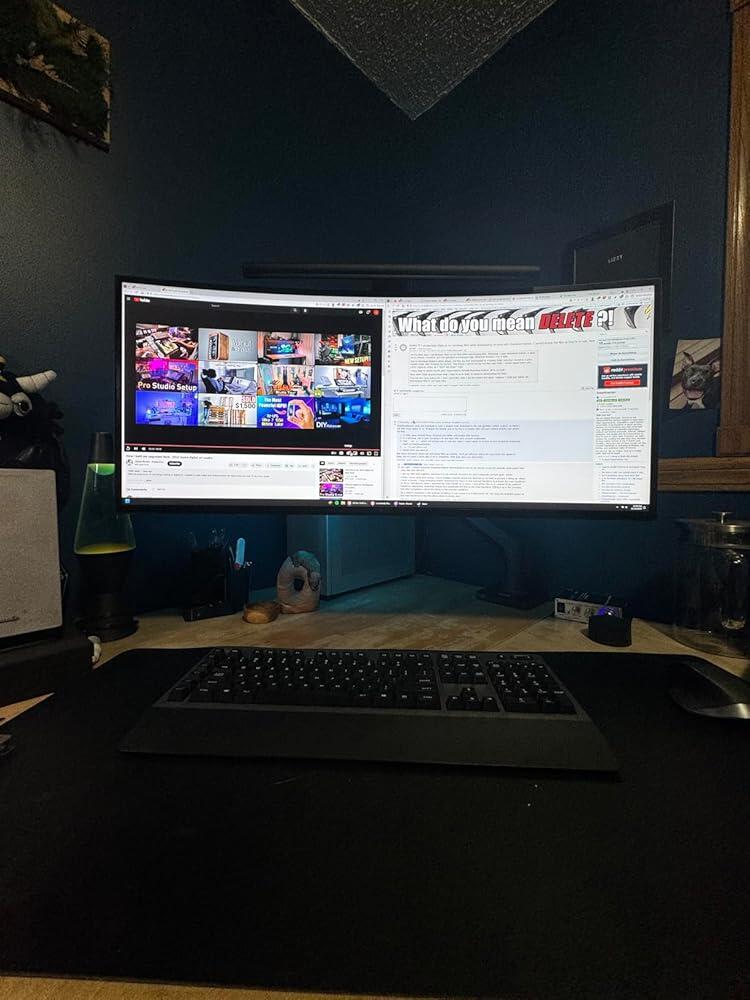
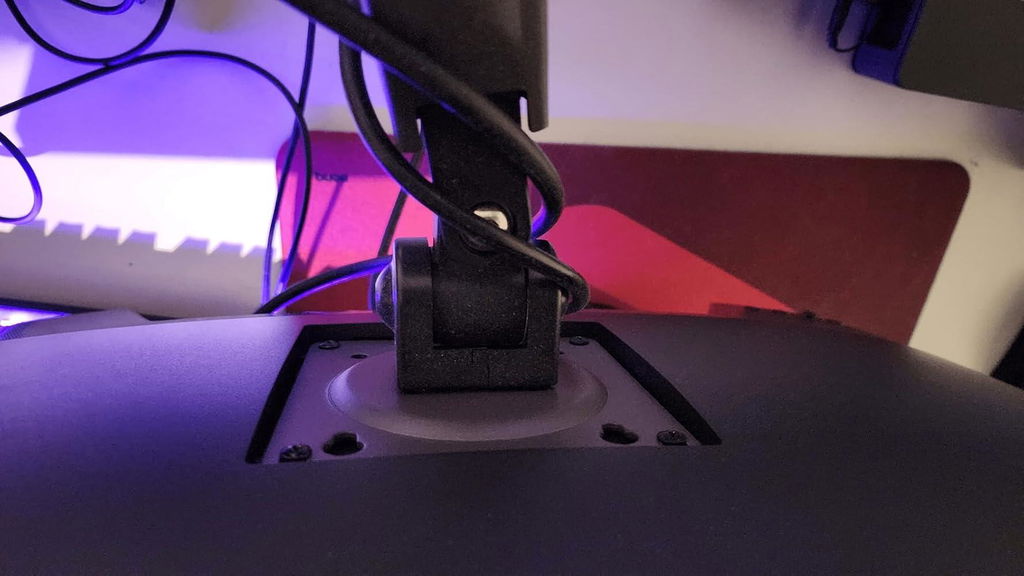
This is definitely one of the best arm I have ever worked with. I normally install some of those high end arms like ergotron for our office or side business i do.I never thought that its Vesa joint would be strong enough to hold the G34WQC, I kinda doubted it for I have worked with other arms and the vesa joint dont normally withhold heavy monitors with an awkward mounting position like this monitor.Honestly I have no idea what the rest of the people here saying that it is hard to install, it's actually easy as hell.They probably never losen that small hex screw at the joint before snapping them together.Make sure to losen them before installing them together and use a bit of a force to push it down. This arm can take that small force so dont worry too much.As for the sturdiness, overall it is sturdy asf except for the plastic cable management. The indent that helps to lock it in can be easily broken so be careful at taking that plastic off.
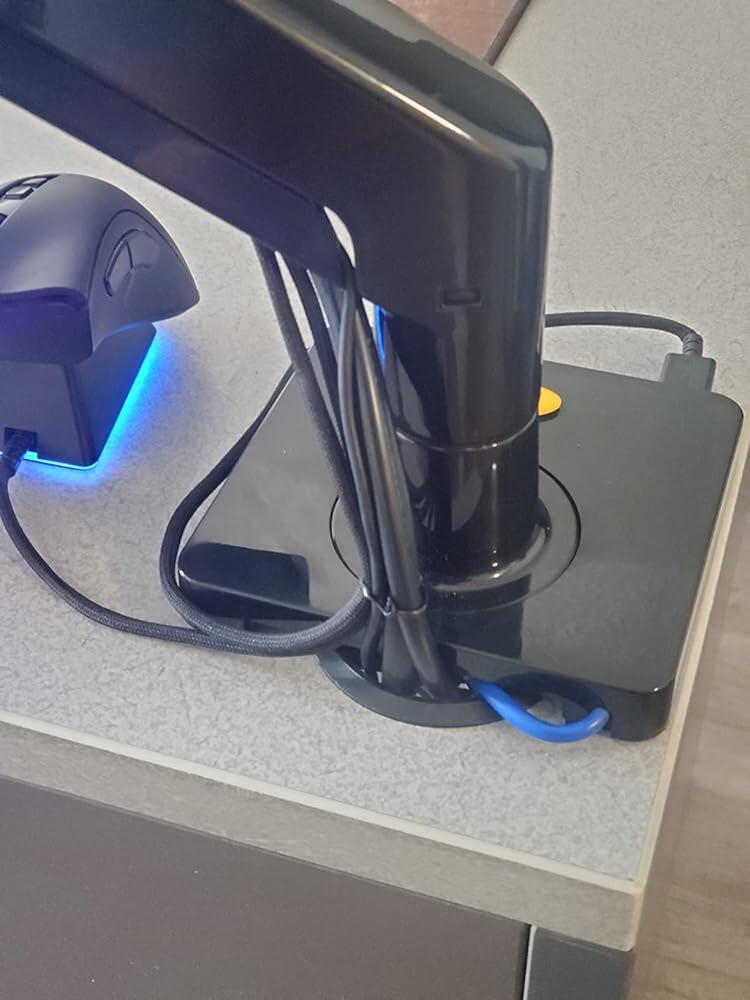
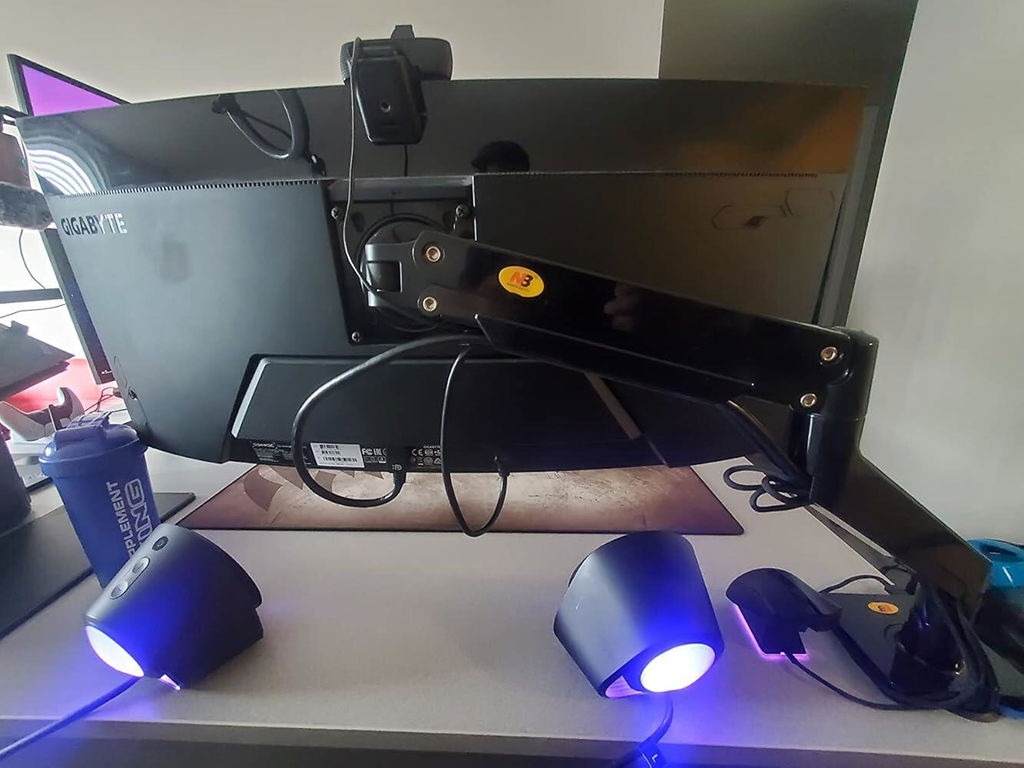
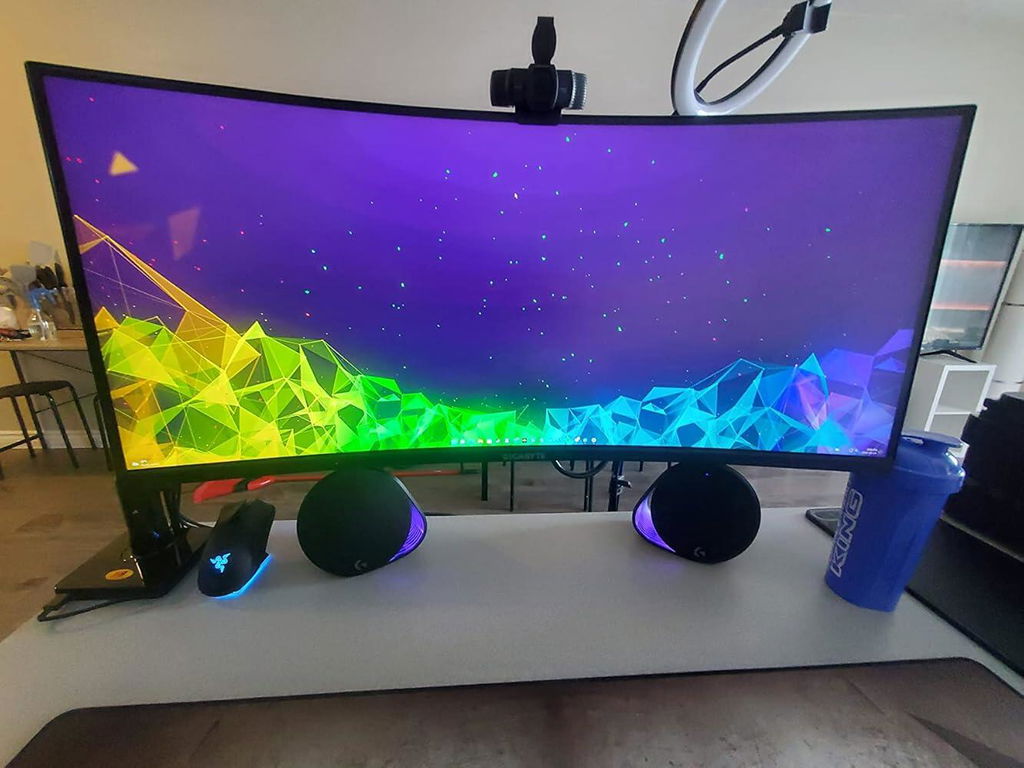
Purchased this for my son's desk and it has worked perfectly! The quality was great and it's very sturdy. The full motion swivel is smooth and easy to use. I would recommend this product! 10/10!
I've had this monitor arm in use for about 10 months as of this review, and it has been very solid in that time. It has yet to sag or cause any issues at all. I use it for an 34" ultrawide LG monitor, which it had no problem accommodating. It is also attached to a sit-stand desk, a style which is known to cause some wobble. However, I have no issues with wobble, even with the desk at its full height. The extra USB port has helped me lose another cable on my desk, which is always a bonus. I found it very easy to install and adjust by myself, even though the size of my monitor is cumbersome. Overall, exactly what I was looking for and at a decent price. BTW, if the aesthetics of the logo on the base are concerning, it is a sticker, which I was easily able to remove with no damage.
I waited for six months before deciding to review this North Bayou monitor arm. I purchased two of them. Thanks to these arms, I'm able to use three monitors on a little desk designed for one.I have a Wacom 21UX tablet monitor attached to one of these arms. It's an older tablet: big, bulky, and it weighs 22 pounds (10 KG). So far, this arm has been holding it nice and steady. It hits that sweet spot of being easy enough to reposition when I want to, but holds itself still when I don't want to move it. This is especially important for a tablet monitor, since I'm constantly touching it as I draw across the screen. The arm bounces and wiggles by a couple of millimetres when jostled, but it's not at all a problem when drawing on the screen.I'll update this review if something goes wrong with these arms, and note how long they last, but so far they've been exactly what I've needed.
Excelente procducto, altamente recomendable
item is good but needs a better manual on how to use this thing cause it took 1 hours to figure out how to adjust the height
I needed a new mount for a large curved monitor this fit very well on my desk. The assembly is pretty straight forward. The range of motion is very good and the mount is very solid. The base has a built in USB port and cable guides are provided. Due to the design you can't hide the cables 100% but its pretty close and as long as you use cables long enough you can extend this through its full range of motion. There is an adjustment using a supplied wrench to increase the friction so that your monitor does not fall. I had to increase mine due to the weight of my monitor but its not a difficult process. The cable guards are plastic and simply snap on.
I originally bought this for a Samsumg Odyssey Neo G9 because a couple of other reviewers said that it worked for them, despite the fact that this monitor is larger (49" ultrawide curved) than what this stand says it supports, despite being within the weight limitations. I disagree with the other reviewers that said it will work. I found that while the gas cylinder (arm height) could be adjusted to support the weight without issue, the tension screw on the tilt bracket (mounting plate) cannot be adjusted enough to lock the monitor in place, so it always tilts down from its own weight. I would not recommend it for curved ultrawide displays that are near the rated weight maximum. Think about holding two small dumbells close to your chest and the same weight a little bit in front of you and to the sides and you'll get why the curved shape puts more downward pressure on the tilt axis.I tightened the tension screw on the plate as far as I could with the included hex-wrench. I tightened it more than I thought was wise by using another tool for extra leverage. I felt I was risking breakage at this point. It didn't break which is a testament to the build quality, but the hex wrench got damaged a little as the metal was not holding up to the forces imposed. I am a tradesperson, so I deal with tightening bolts of various types very frequently and I have a good feel for what the shear limits are on them. The wrench was not getting stripped from improper insertion by an inexperienced person, it was from the force applied.I tried a few other things to get the monitor to lock in place since I didn't need it to actually tilt. I tried to tie-wire the top of the mounting plate through the unused holes to the back of the tilt section of the arm. That helped slightly, but didn't relieve enough tension to keep it from drooping. I also tried to put a wooden wedge in between the moving parts of the tilt section, but that also failed. I considered just encasing that particular joint in epoxy to lock it in place, but ultimately decided I would just buy a different arm and save this one for a smaller monitor.None of the above struggles impact my rating for the stand since, as I said, the G9 is wider than what the arm is rated for. I'm just posting the above information to warn other G9 owners away from repeating my mistake.The following is not related to the G9 monitor, and this is what my star-rating is based on:The good:The overall build quality of the major components seems great. The parts of the arm, the table clamp, and the mounting plate all work very well.The bad:The standoffs included that you may or may not have to use are too weak. They are made from some sort of plastic and should be replaced with metal. It's not a big deal, but if you've got small metal washers that you can stack to the depth required instead, it will feel far sturdier. Firmly tightening the mounting screws for heavy monitors risks deforming the included plastic standoffs.The base has a USB port but there's a cable whip permanently attached to it to plug into your computer. This is fine if it works for your setup, but if the cable is not the right length for your setup, it's a pain. Also if you just don't want to use the USB port you have to either leave this unsightly cable hanging off of it, or you have to cut it off. It would be a lot nicer if the cable was detachable.This is a nitpick, but the logos on the base and top of the arm are kind of gaudy. They're yellow with red and black text. There's a reason most manufacturers go with subtle silver or grey logos on black products. North Bayou should prioritize design elegance over in-your-face visibility of their logo.Overall, the "bad" items I've listed are not severe and this is still a very decent stand. Just don't try to use it on a G9. There are other budget alternatives available with higher weight ratings.
I used the arm for mounting my Dell 38-inch monitor, and it handled it efficiently.
Looking to reclaim some much-needed desk space from the large stand on the Samsung Neo G9 screen I went looking for a new desk arm mount. The most popular option was $350, which while I am sure it is made of very special rare earth minerals, I was not looking at spending 20% of the cost for the screen itself on a mount.I found this and noticed that while the screen size specs are not "supported", all that matters is VESA mount sizing and weight limit which was within the Neo G9's specs.Building the unit was quite simple and the directions are clear enough for most anyone. In preparation I torqued all of the available tension adjustments to their near max setting; knowing that the Neo G9 screen is on the upper end of the arms max holding spec.Upon mounting it to the screen I noticed that the screen wanted to pivot down on the articulation point that mounts to the rear of the screen. This was the only adjuster that does need some patience as you need to get it into a zero pivot (angle of screen up and down) and crank the adjuster to max to fix it in this position.But it does hold, and I have moved the screen about when performing various tasks. There is no overly noticeable shaking of the screen. I would say the sturdiness of this will be determined more so on having a nice sturdy desk top vs the mount itself.The included tools work, though I used my own. The inclusion of a USB3 port in the base is a nice touch and I have used it for cell phone / device charging many times.Lastly, the wire channeling is serviceable and holds the power cord, display port and usb hub cable with no issue. Do ensure you have 10ft/3m display port / power cables as the extra routing length needed when adding a mount will potentially limit your install if using included 6ft/1.8m cables.
Very sturdy mount, It handles my 34" curved monitor (9.8kg / 22lb) no problem. I have used it now on two different monitors. I had to crank up the arm tension slightly to handle the heavier monitor, and crank it down slightly for the light monitor. Now they are balanced perfectly, and the monitor stays exactly where I put it.Those that are having trouble with the assembly may need to loosen the little hex set screw at the swivel joint to be able to push the parts together. Then tighten the set screw to increase swivel friction as required.